
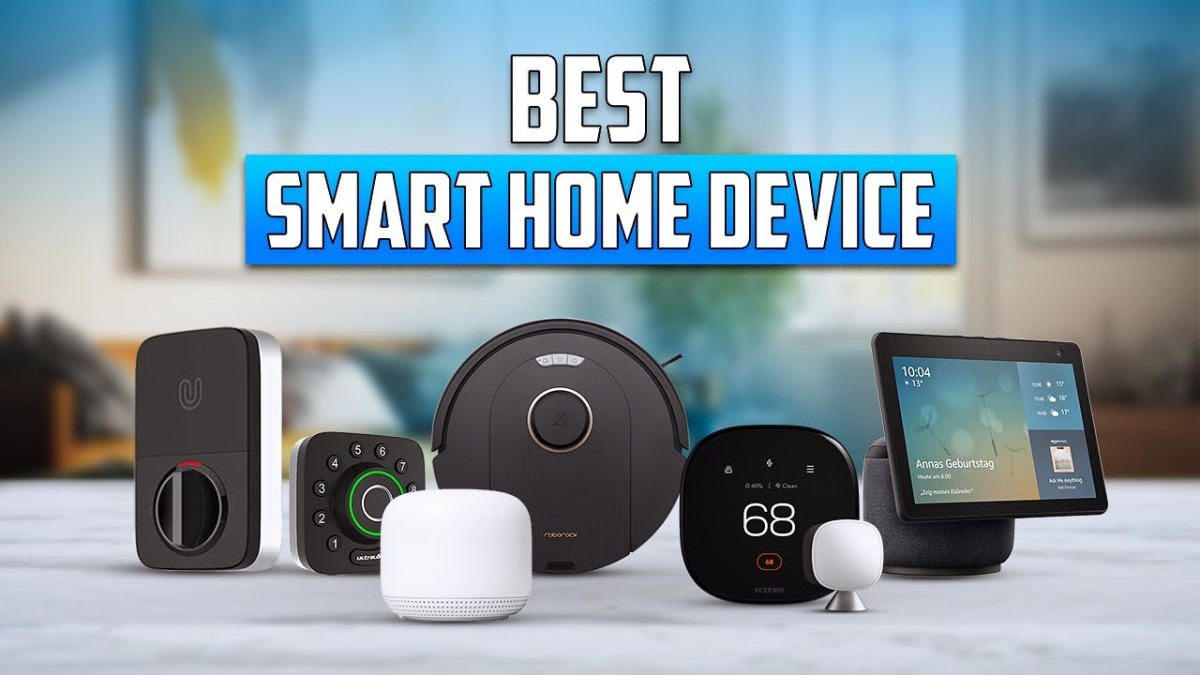
One of the easiest ways to set up your smart home even as a beginner is by consulting a smart home guide. Updates that have come out recently bring easier onboarding such as multi-device QR codes and NFC tap-to-pair.
The local control and home-friendly mesh allow you to enjoy reliability each day. This means that your routines will be able to go on even in the event of an internet outage. An ideal starter smart home kit should cover lighting, energy, and entry all in one go. This ensures that there’s room to expand without having to re-do anything.
Going for entry-level smart gadgets? Only choose a product that provides support for the cross-platform standard. And you should also go for one that allows multi-admin control. This will allow you to use any preferred app to see and manage the same devices. Our compilation of the best smart home devices for beginners highlights the choices that will definitely make your home feel smarter and more dependable as more rooms come online.
Why Start With Smart Home Devices?
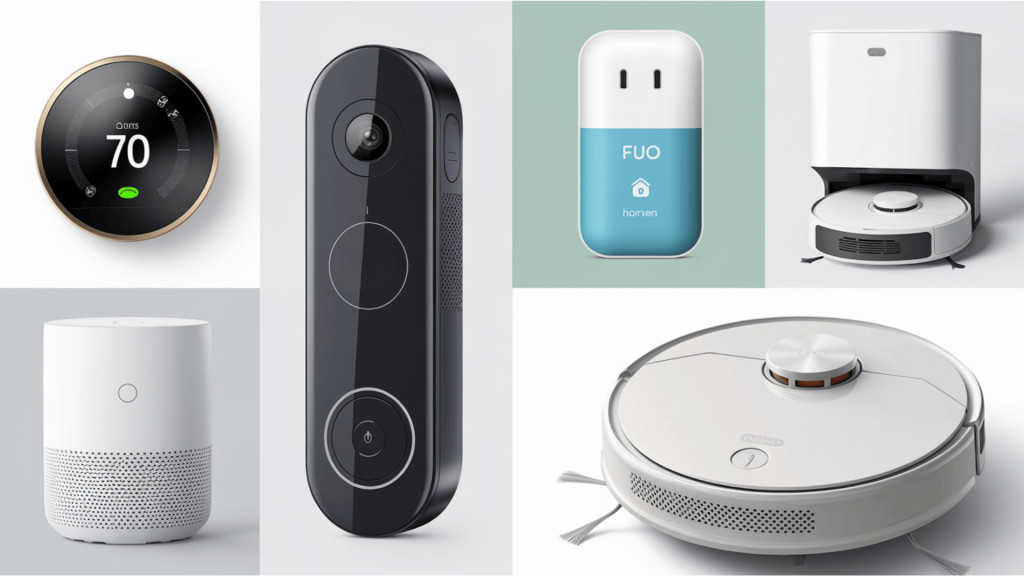
You only need a few smart home devices as a beginner to take care of the lighting, plugs, and a sensor or two. Once you’re able to set up these devices in your home, it will start to feel more helpful on its own, and you’ll notice that you won’t have to do as many daily chores as before.
These smart home devices can allow you to schedule a lamp to greet you once you’re back home in the evening or even cut power to your idle gadgets. All of this is simply meant to make your life easier and cut down on wasted energy.
To set a safe baseline and keep everything going, you should spend a few minutes in the app for passwords, any pending updates, and even two-factor logins. Once you have set this up properly, they will go along with every device that you add later on. Some other benefits you can enjoy with smart home devices is that they allow you to set a quiet reminder to turn off your space heater or a porch alert that can come in at the right time.
It doesn’t stop there. A bedtime scene can also handle the responsibility of powering down your outlets, dimming the light, and settling the temperature. There are even energy programs which have been designed for connected homes, and they make this kind of routine easier for you to sustain. Along the way, you’ll be able to enjoy beginner automation benefits without having to spend too much or go through complicated installations.
Top Smart Home Starter Devices
Some smart home gadgets you can start with include smart plugs and bulbs. They allow you to enjoy quick pairing and control.
Other smart home essentials you want to get include contact and motion sensors. These devices are able to catch hallway movement, or even something as small as a drip under your sink. You can also get smart devices such as a single doorbell or room camera.
Then there’s also smart thermostats which are able to cut down on wasted heating, or a lock that is able to share temporary codes for the guests that you have in your home. One way of reducing future lock-ins is by opting for Matter support. However, there’s an advantage to Thread in that it helps the devices that are low-powered to communicate reliably at home.
It is important to note that some guests may need a border router to join that mesh. Don’t forget to keep the rooms in your home as human as possible. For example, your bedside lamp should be able to turn on at sunset, and your bathroom fan should be able to go off quickly after a short interval.
Smart Speakers (Amazon Echo, Google Nest Mini)
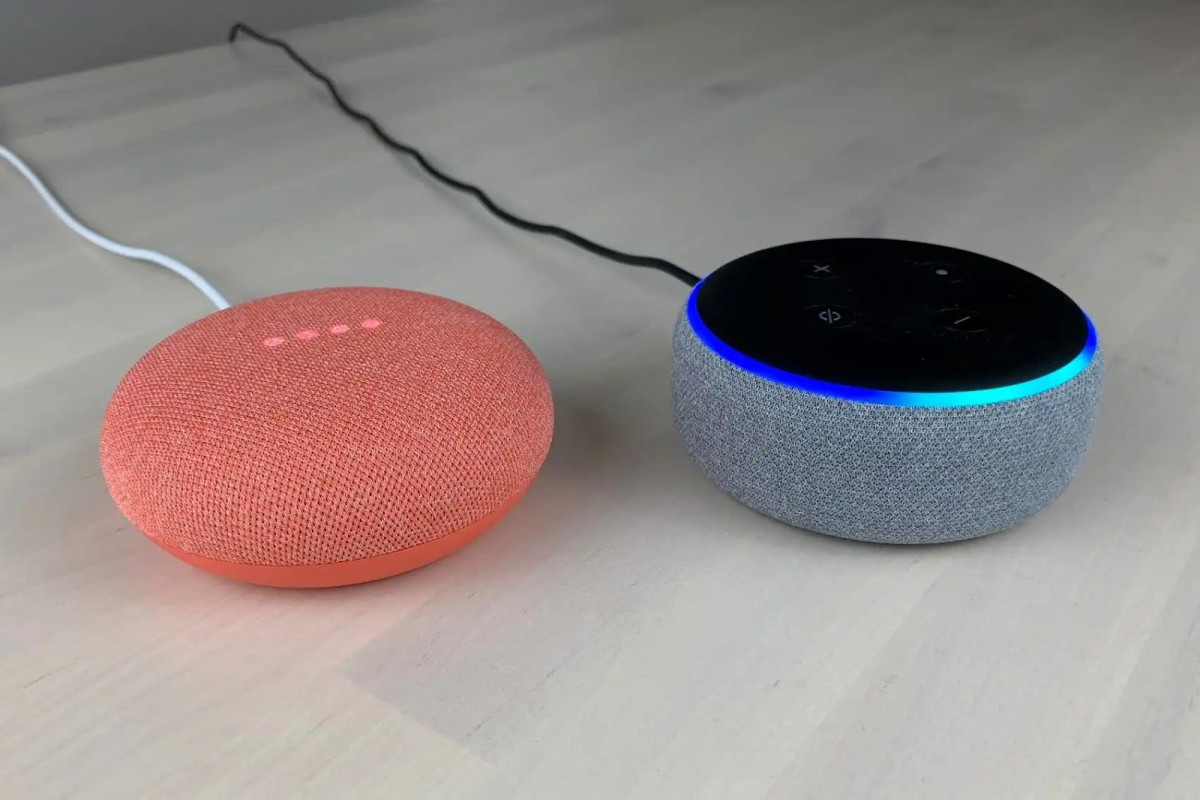
A compact smart speaker is a great addition to a beginner smart home. It lets you enjoy the ability to control timers and even playlists just with the sound of your voice. Also, you can use the same device to start up a movie scene or dim the lights when you want to at night.
This is very convenient and becomes the center for the rest of your setup. You may want to consider two things when you’re trying to choose the best smart speaker for beginners. They include; a reliable app setup and wide compatibility. Recent interoperability standard links bulbs, plugs, and sensors, and they’re able to work locally, meaning that commands can be executed quickly.
Security is also very important and it should not be taken lightly. You should look for a hardware mute button, which is a visible indicator that shows when the microphones are turned off. Also look for controls that ensure different voices are able to receive unique responses.
Consider the streaming apps, phones, and calendars you have when you are carrying out an assistant comparison. This will make it easier for you to make your decision.
Smart Plugs & Switches
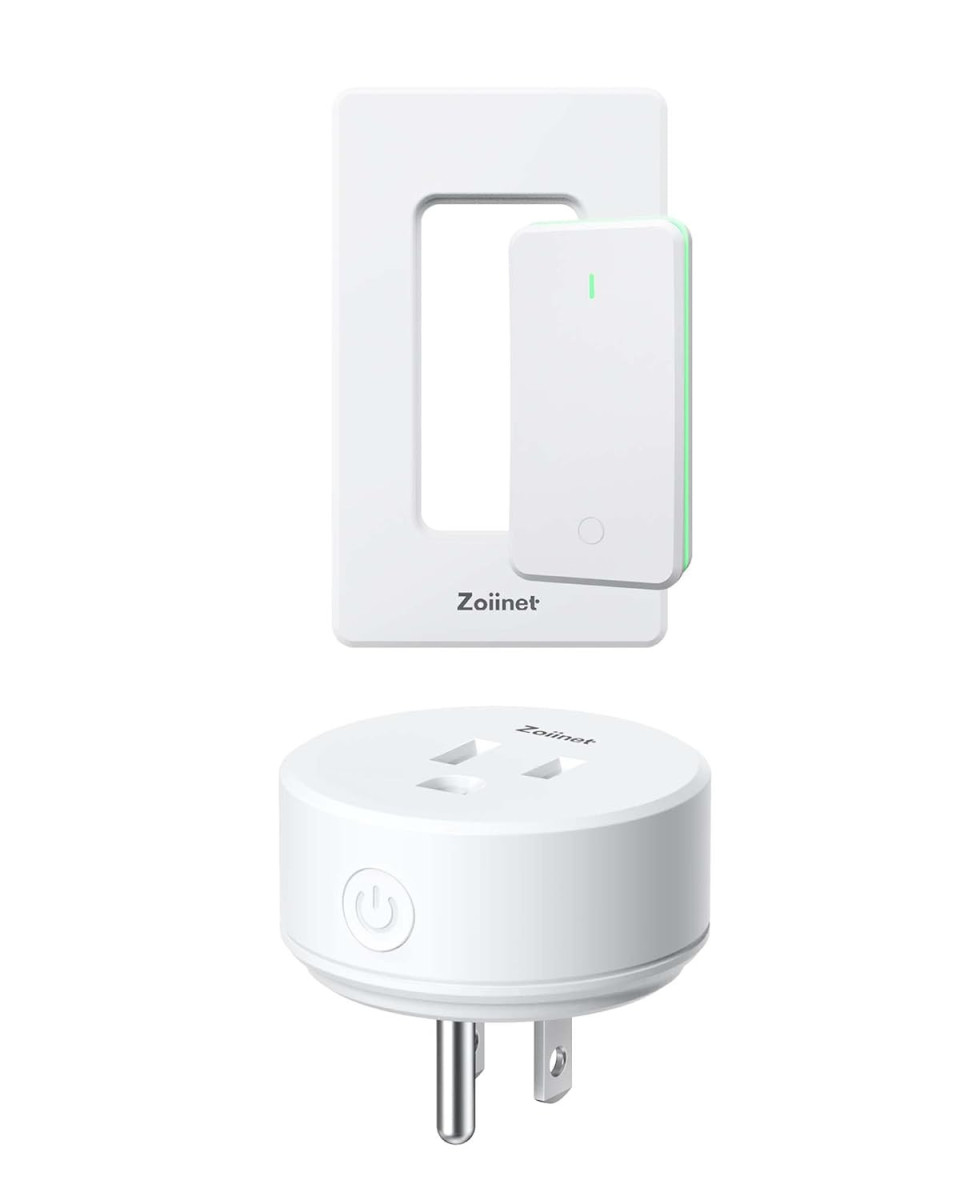
Smart plugs transform a regular outlet into an app-controlled switch, while smart wall switches replace the existing control for built-in lights and the whole circuit behind them. People who are new to smart homes often go for smart plugs because their setup is quick and no wiring is usually involved.
With these models, you can now turn the device on or off on the phone, as well as follow schedules and power use reports. The automation in your home becomes easy, as living room lamps and desk fans combined with timers can make even the smallest of routines feel automatic without you having to move a muscle to touch a switch.
If you have overhead fixtures or rooms that have multiple lights on one circuit, you can go for affordable smart switches, as they provide a cleaner result instead of piling adapters on every lamp. Many smart switches need a neutral wire in the box, however, newer options exist for older wiring. It is best to always confirm the wiring before you purchase or install.
A single lamp can be part of your plug-and-play automation within a short period of time, while a wall switch usually takes a bit more planning and should follow basic safety steps such as cutting the power at the breaker. What you get to enjoy is the whole room control from a single location.
Smart Bulbs & Lighting Kits
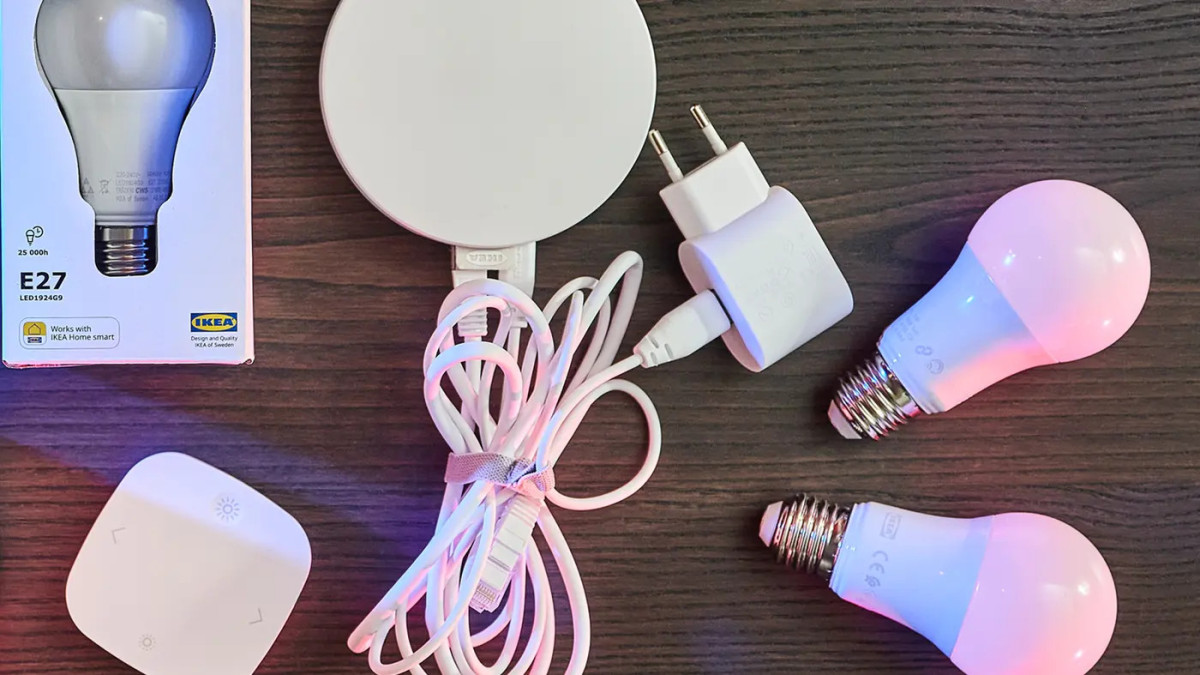
Your smart home isn’t complete without smart lighting. Just screw in a bulb, connect it to your home network, and your regular lamp becomes a lot smarter. Smart bulbs for beginners usually offer app control without any rewiring or tools needed.
When you get a typical kit bundle, you’ll find that it usually includes several bulbs and a small hub or controller so that groups stay in sync across the rooms. Some bulbs connect directly over Wi-Fi while others make use of Zigbee or Thread, which can help to improve reliability by creating a mesh so that lights can easily pass signals to each other. Matter helps to bring all these options together so that the control stays consistent across major platforms.
To help you choose the best starter smart lighting, pick one room that usually gets a lot of daily use, and swap a single lamp first. This will give you more insight into how scenes can fade lights at night and brighten gently in the morning without you having to touch a wall switch. Going for mood, focus, or a late-night reading vibe? You can add color-changing bulbs and tune the white tones from warm to cool.
Smart Thermostats
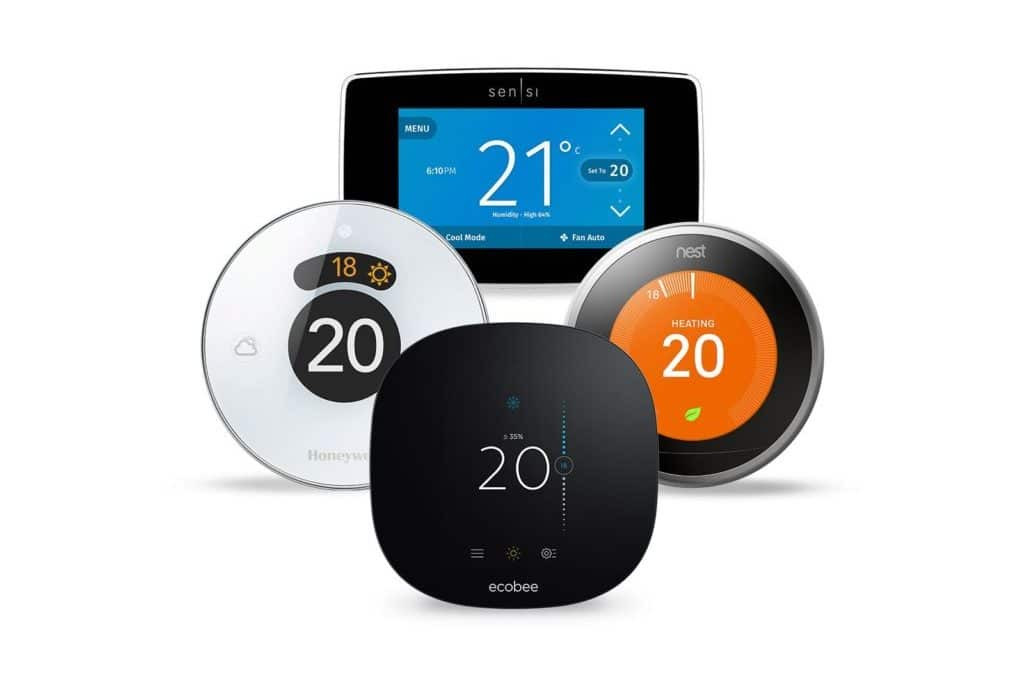
Some of the features you should look out for in smart thermostats include remote control, schedule learning, occupancy sensors, and geofencing that adjusts the temperatures when your home is empty or someone is on the way back.
A beginner smart thermostat should feel helpful right from the very first day. Remote access comes in handy when your plans change, and it allows you to update the temperature from the phone with just a few taps. You should check that the existing system is low-voltage and also confirm that there is a C-wire present during the process of setting up your beginner thermostat.
You should also take a picture of the old wiring before it is removed to avoid any second guesses while installation is going on. And cutting power at the breaker helps to keep things safe while labeling wires.
When it’s time to make the final decision between the different options that are available, go for the one that suits your home based on wiring compatibility, ease of setup, and any useful extras such as occupancy detection.
How to Build a Starter Smart Home Kit
Having a clear plan means that you can set up your smart home system easier. The goal is local control, fast responses, and devices that speak the same language. When you are setting up your smart home as a beginner, it is best to choose a controller that supports the modern standard with local-first control and multi-platform sharing.
Enrollments are usually done through a QR code using Bluetooth on your phone, and the device joins WiFi or a low-power mesh. Your network choices also matter. Try your best to keep compatible devices on the primary home network and not a guest network, so that discovery works correctly and everything can communicate with each other.
If you are using a low-power mesh, a border router links that mesh to Wi-Fi or Ethernet and extends the coverage to the far corners of your home. All you have to do is place it centrally and keep it powered.
Cost of a Beginner Smart Home in 2025
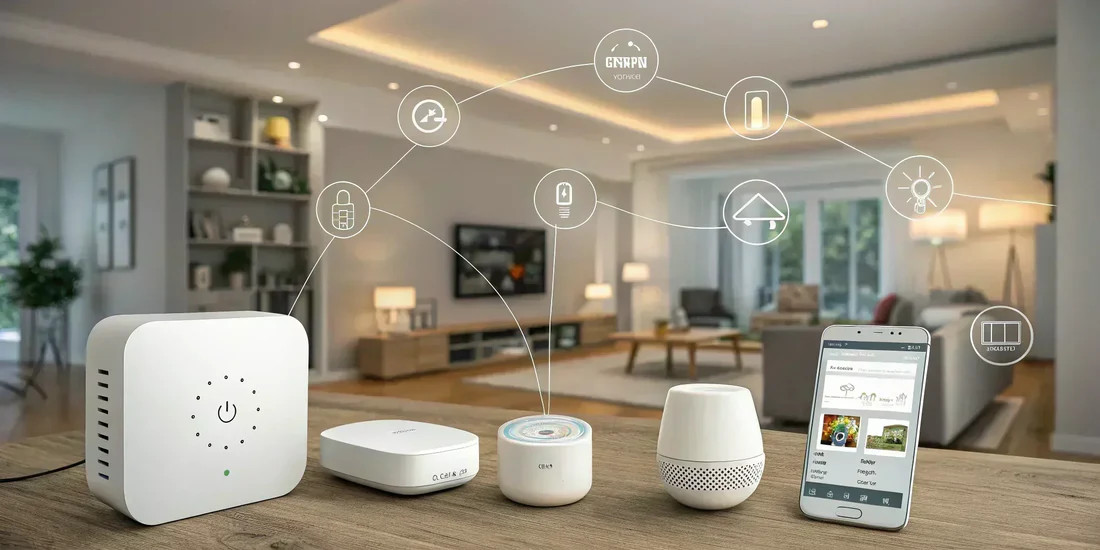
The scope, wiring, and where the control lives are some of the factors that determine the cost of your smart home. You should have a realistic smart home budget that grows in layers and not all at once.
Pro installs are more convenient, while DIY tends to keep the spending lighter. However, both are paths you can explore and they often mix well in the same home. Interoperability does a lot of heavy lifting in the home. The modern standard for device compatibility helps to cut down the need for you to use multiple hubs and this helps to keep things simple.
Newer updates have added faster onboarding and multi-device setup, so that adding more gear later does not lead to undue complexity. Thread mesh support continues to improve the reliability inside the home.
For many categories, cloud fees are optional. Cameras and doorbells usually run relatively well with local storage, while cloud plans help to add remote access and longer history. Keep in mind that when you choose local as against the cloud, it is usually an ongoing cost decision rather than a one-time purchase.
Many smart switches need a neutral wire to stay powered. Older switch boxes may not have one and this can add work or steer the plan toward bulbs, plugs or no-neutral switch options.
It is best that you check the boxes before you buy to avoid any returns. When you are setting up for the first time, focus on the pieces that you will use everyday. A short list of lighting, one sensor and a couple of smart plugs usually covers the basics of affordable smart devices you need in your home.
FAQs for First-Time Smart Home Users
Here are some beginner smart home FAQs to get you started.
1. Pairing usually halts near the end. Is there anything that can actually help out?
You should allow the app to have Bluetooth and local-network permission, keep the phone only a few inches from the device, and then retry after toggling the Bluetooth.
2. The app “sees” the device, but the controls fail. What setting is blocking it?
Routers often ship with client or AP isolation on guest networks. That feature prevents devices that are on the same Wi-Fi from communicating with each other. You can troubleshoot by turning it off during the setup or by keeping the controller and the device on the same LAN. 
3. Is setup actually getting easier this year?
Yes! The latest home standard makes use of QR codes with Bluetooth LE to onboard in just one flow.
Conclusion
The best beginner smart home devices are those that make everyday moments a lot more convenient. Go for devices that support modern standards such as Matter and Thread for much wider compatibility and local control.
Keep a short punch list of helpful smart home starter tips such as grouping lights in one room and creating a quiet bedtime scene. Build up your automation so that it is beginner-friendly with small triggers such as motion at the entry.
Don’t forget to make sure that you have all the basics in place: a healthy network, strong Wi-Fi, and a Thread border router when needed.
Related posts:
 Apple’s iOS 26: A Major Leap in Design and Intelligence
 Top Smart Thermostats Compared: Nest vs Ecobee vs Honeywell
 Introduction to 5G Network Slicing for Enterprise Use Cases
 Smart Home Privacy Risks and How to Protect Yourself
 All You Need to Know About SSID Number
 Top Email Apps for iPad in 2023
 How to Fix AirPods Max That Won’t Turn On
 How to Enable the Left Behind Feature on iOS 15?
